GTD on Mac
The GTD app for Mac that also runs on your other devices
NextThing brings the full Getting Things Done workflow to the Mac — with a global capture hotkey, keyboard shortcuts and the same system on iPhone, Android, Windows and Linux.
The short version
On a Mac you can choose from the best-known GTD apps: OmniFocus, Things 3 and Nirvana all have Mac apps. NextThing is built around the whole method — guided inbox processing, contexts, energy and time filtering, sequential projects, Waiting For and a step-by-step weekly review — and it keeps working when your phone is Android or your work machine runs Windows.
How it works
Capture
Get it out of your head in seconds: type it, say it on your phone, share it from another app or use the capture shortcut on desktop. Everything lands in one inbox.
Clarify
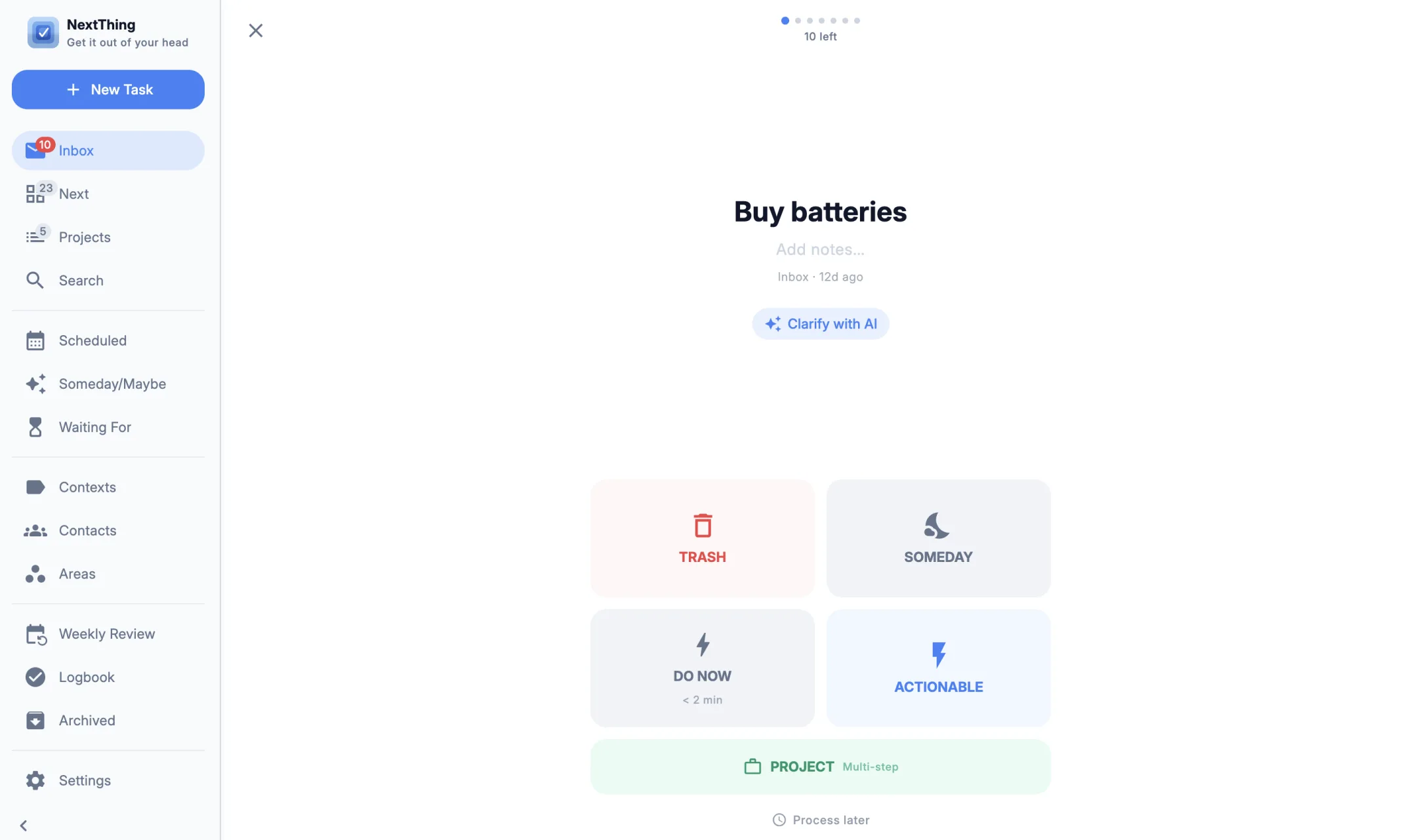
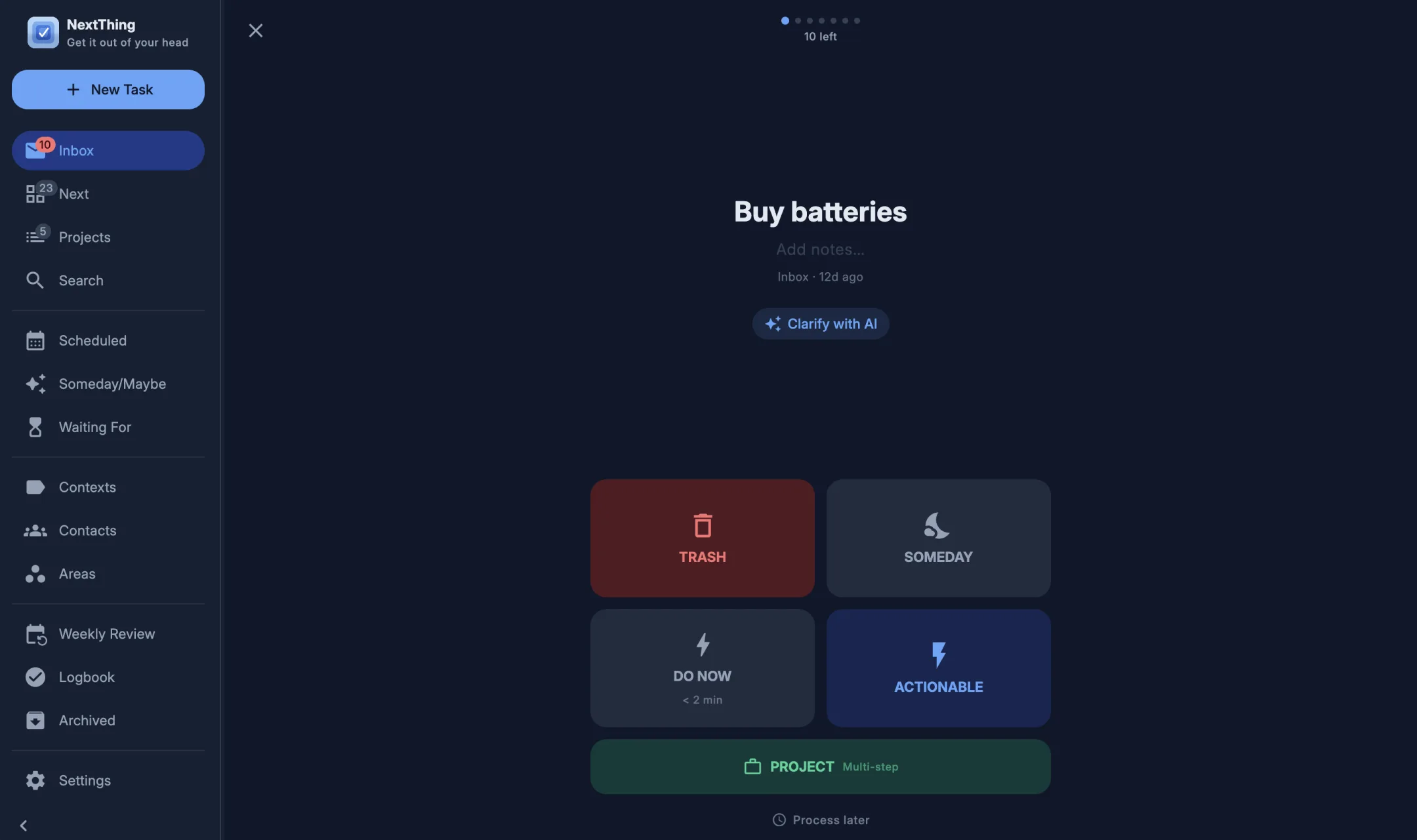
Process the inbox one item at a time. What is it, and what is the next action? Keep going until the inbox is empty.
Engage and review
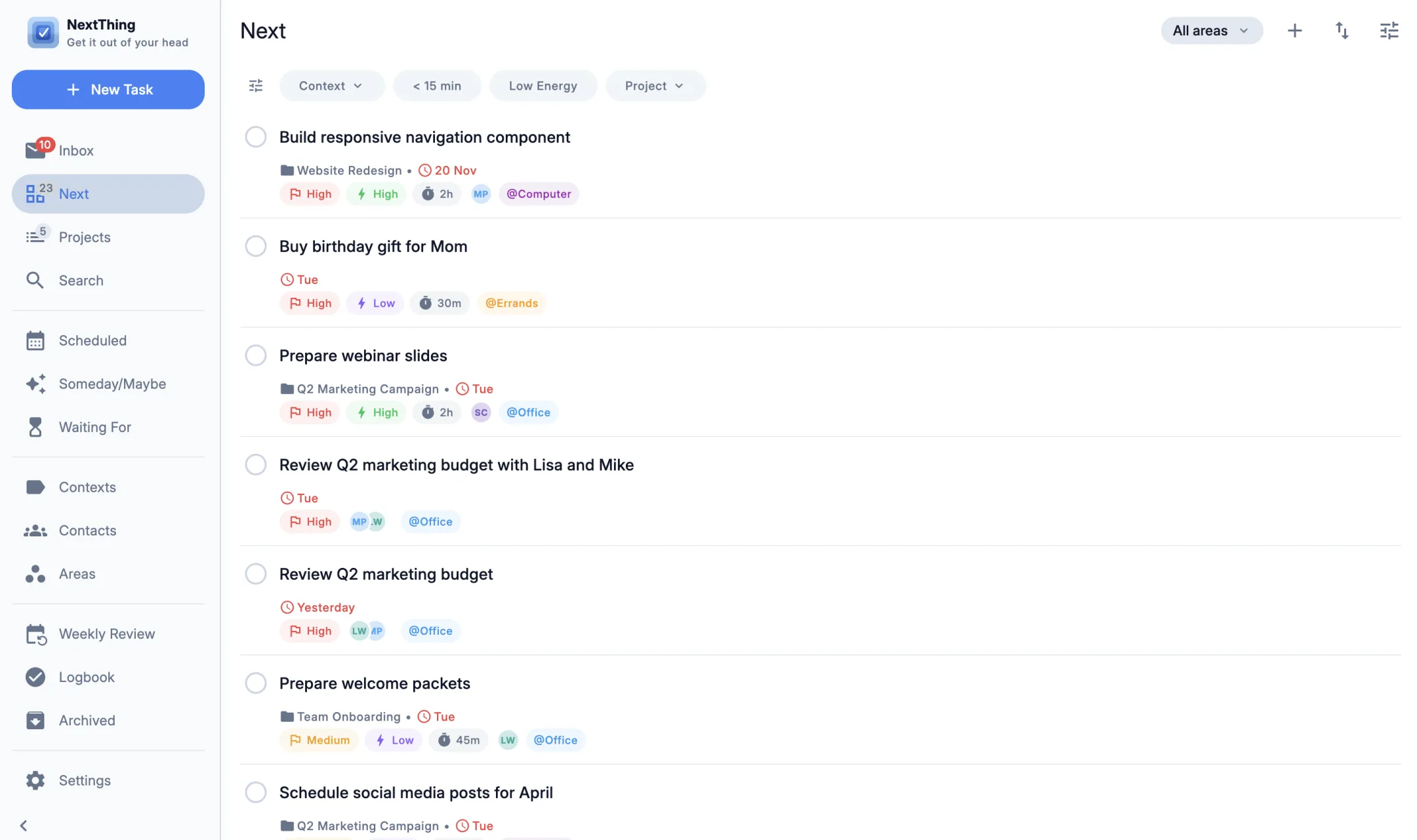
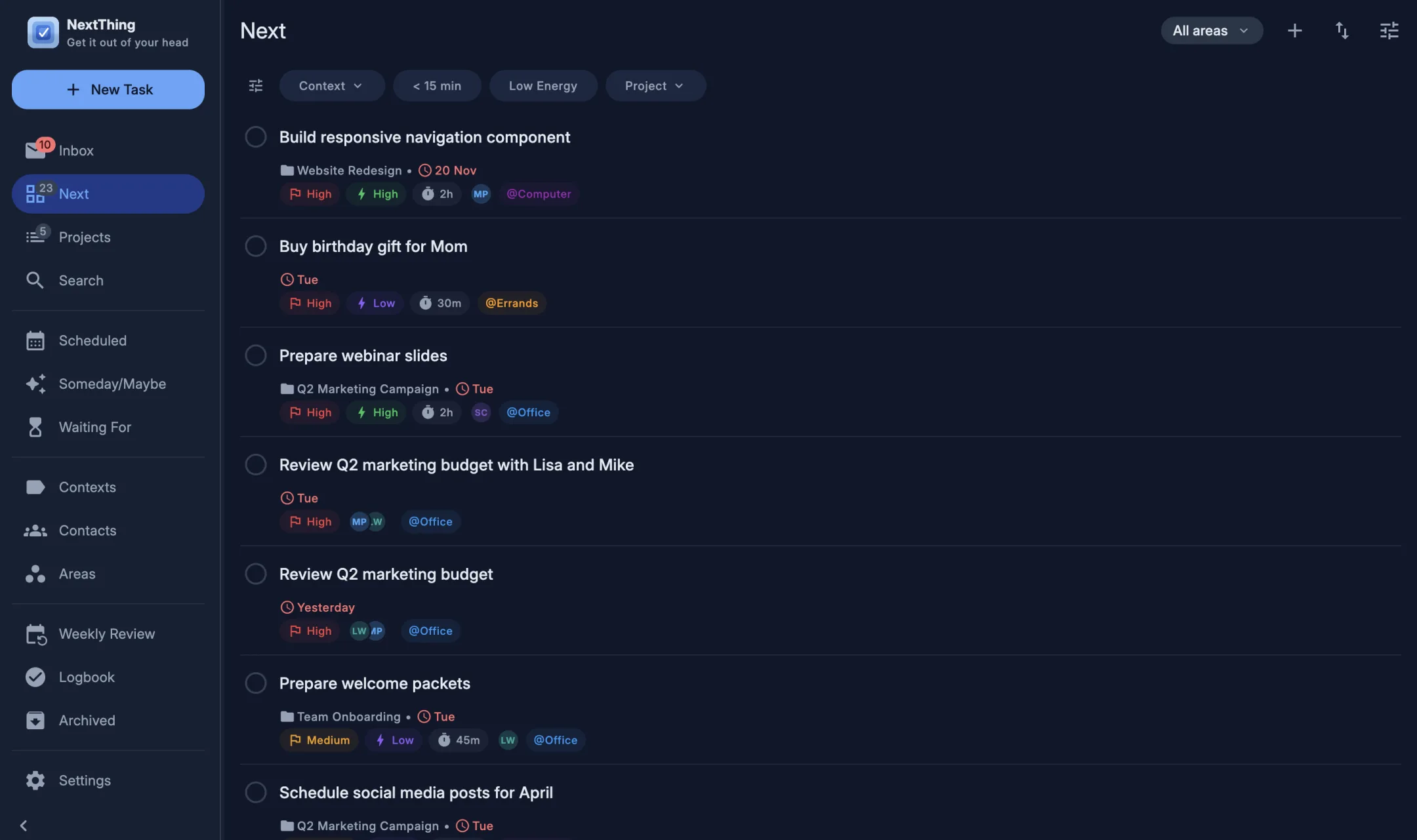
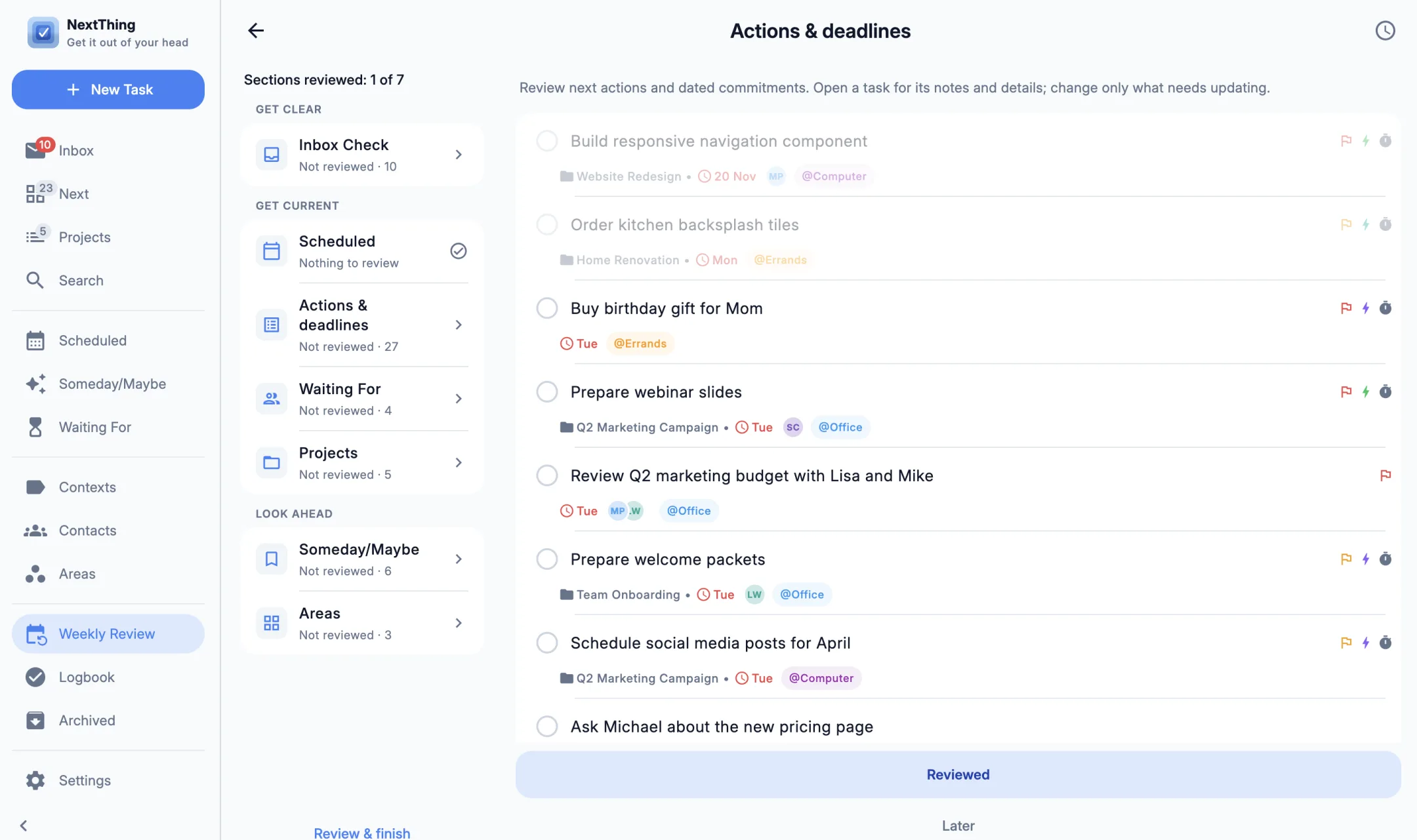
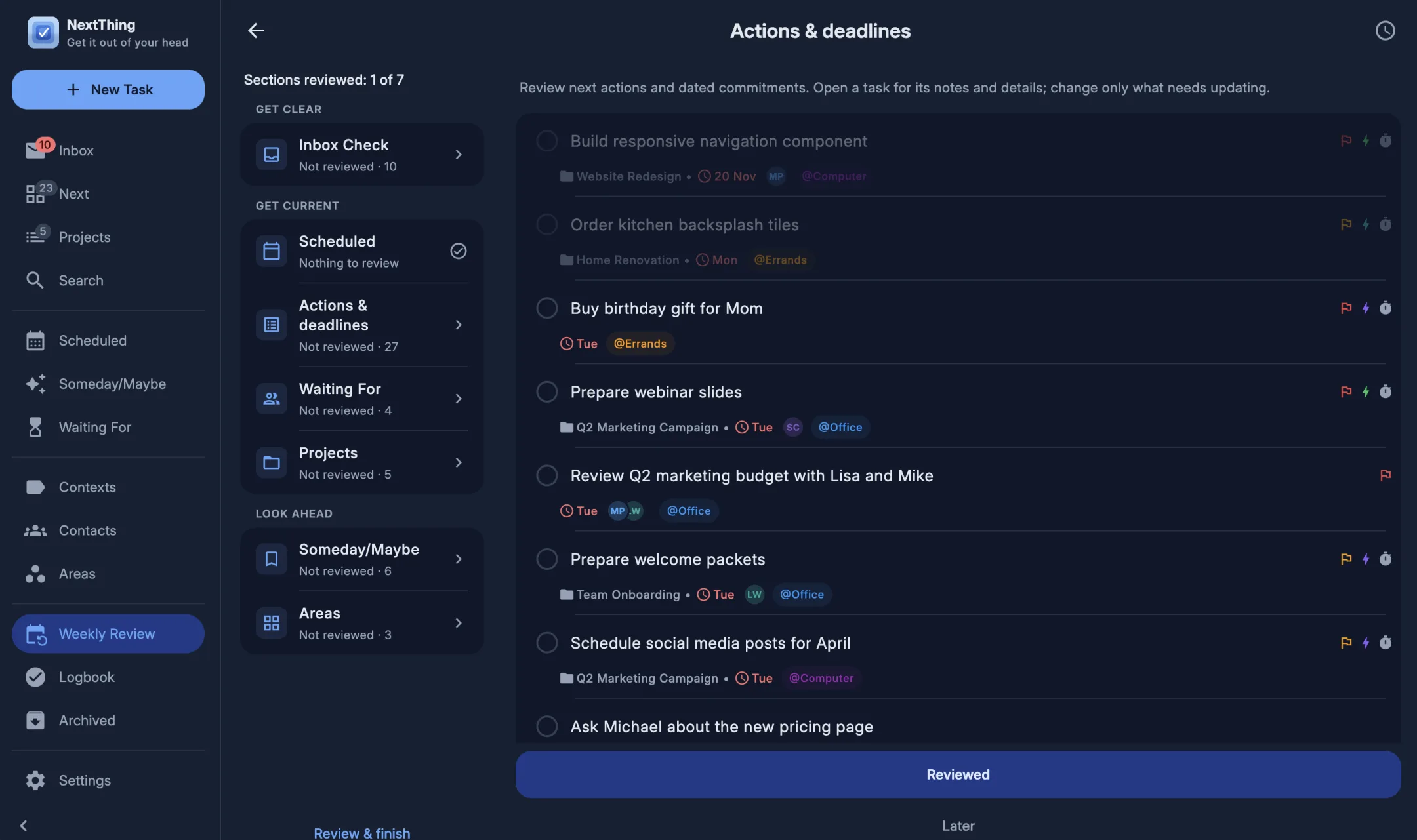
Pick next actions by context, energy and time. Once a week, a step-by-step review walks you through every list.
GTD apps on Mac at a glance
| App | Mac desktop app | Full GTD workflow |
|---|---|---|
| NextThing | ||
| OmniFocus | ||
| Things 3 | Partial | |
| Nirvana | Desktop app | |
| Todoist | Partial |
GTD on the Mac: plenty of choice, one catch
The Mac is where GTD software is strongest. OmniFocus is the most powerful option, Things 3 is the most refined, and Nirvana offers a desktop app next to its web version.
The catch is everything outside the Mac. OmniFocus and Things 3 never left Apple's platforms, so if your phone is Android or your work laptop runs Windows, part of your system has to live somewhere else.
NextThing gives you one system on every device, with the Mac as a first-class place to process and review.
Made for processing at a keyboard
Press ⌃⌥N in any app and the quick-capture window opens; type the thought and it lands in your inbox without you leaving what you were doing. Keyboard shortcuts and right-click actions cover the rest of the day.
Then process the inbox with the guided two-step flow — what is it, what's the next action — one item at a time. Next actions carry contexts, energy levels and time estimates; projects can be sequential; Waiting For items are tied to contacts.
The weekly review walks you through every list step by step, which is easiest at a desk with a real keyboard.
Offline-first and synced with your phone
NextThing Desktop is a real app with local storage, not a browser tab. It works offline and syncs changes once you're back online.
Capture on your phone during the day — iPhone or Android — and process at your Mac in the evening. The same account works on iOS, Android, Windows and Linux too.
The free tier includes the complete GTD workflow with up to 5 projects, 5 contexts and 5 contacts. Premium unlocks unlimited everything.
GTD on Mac — common questions
What is the best GTD app for Mac?
If all your devices are Apple, OmniFocus is the most powerful and Things 3 the most polished. If you also use Android, Windows or Linux, or want guided inbox processing, NextThing runs on all of them with one system.
Is there a quick-capture shortcut on Mac?
Yes. Press ⌃⌥N in any app to open quick capture; the thought goes straight to your inbox. The shortcut is on by default on macOS.
Does NextThing for Mac work offline?
Yes. It stores your data locally, works without a connection and syncs once you're back online.
Does NextThing sync between Mac and an Android phone?
Yes. NextThing runs on macOS, iOS, Android, Windows and Linux, and one account keeps the same lists on all of them.
Is NextThing for Mac free?
Yes — the free tier includes the complete GTD workflow with up to 5 projects, 5 contexts and 5 contacts. Premium unlocks unlimited projects, contexts and contacts.
Get the full GTD workflow on your Mac
Free to start. Also on iPhone, Android, Windows and Linux — everything stays in sync.